Renewal Details is only available during the vendor’s renewal period, which begins 45 days before expiration.
Renewal Details is designed to allow network owners to directly request that the vendor renew their ShieldScore. Renewal Requests:
- A renewal request is automatically sent
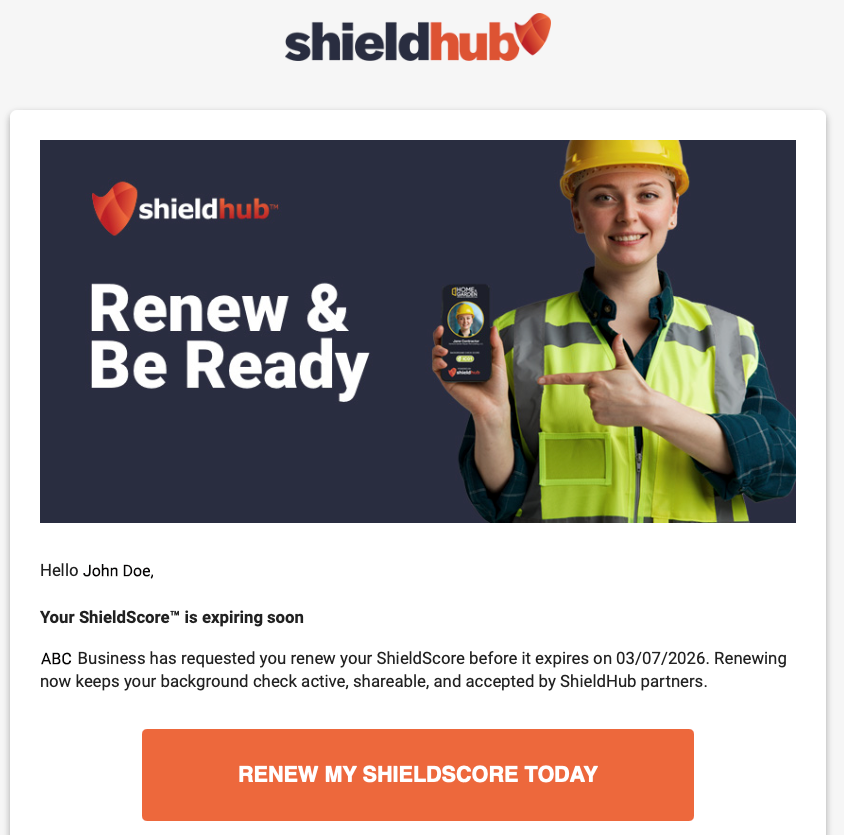
- The message is customized for your client request – the vendor will know you specifically requested their renewal
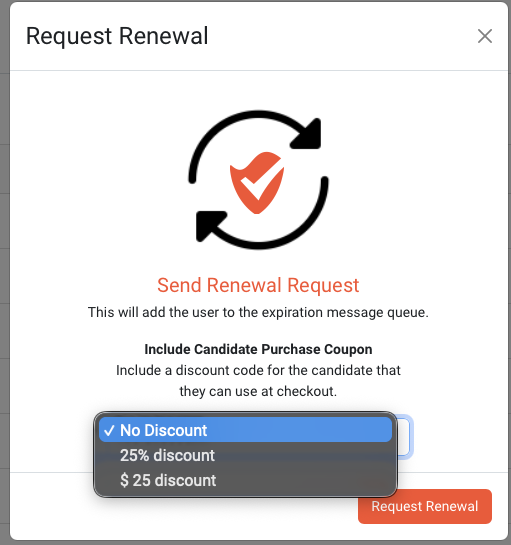
- You can attach an optional coupon when sending the request
Requesting a Renewal
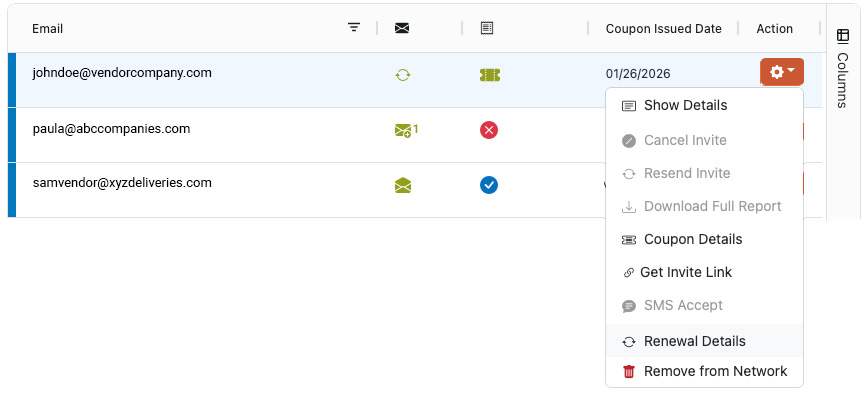
- Selecting Renewal Details from the vendor’s Actions button.
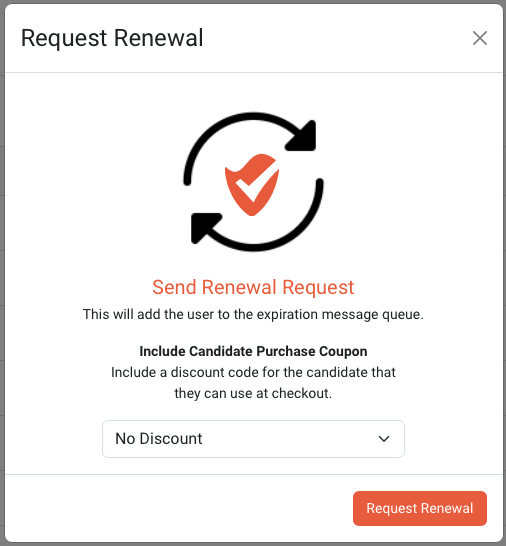
- Click the Request Renewal Button
- Your client-specific renewal message is emailed directly to the vendor
- If enabled, you also have the option of attaching a purchase coupon at the renewal request
Was this article helpful?
That’s Great!
Thank you for your feedback
Sorry! We couldn't be helpful
Thank you for your feedback
Feedback sent
We appreciate your effort and will try to fix the article